For millions of users who rely on Microsoft 365 for their daily work, this isn’t just another security alert. It’s a stark reminder that the tools designed for convenience can, with a few malicious twists, become the very keys to their digital lives being plundered. The threat isn’t abstract; it’s about your email, your files, your calendar – all suddenly under the control of unseen actors.
And here’s the thing: it’s happening again, and it’s arguably more insidious. Despite a global law enforcement effort aimed at dismantling the Tycoon2FA phishing operation, it’s not only back, but it’s evolved, demonstrating a terrifying resilience and a sharp nose for emerging attack surfaces. This isn’t just a technical detail; it’s a direct assault on the trust users place in their digital services.
The Return of the Tycoon: Smarter, Stronger, and More Insidious
The whispers from the cybersecurity trenches have turned into a drumbeat. Tycoon2FA, a notorious phishing-as-a-service (PhaaS) platform, was thought to be sidelined after a significant disruption in March. Think again. It has not only rebuilt its infrastructure at pace but has apparently layered on new obfuscation techniques, making it even harder to track and neutralize. The market for stolen credentials and account takeovers is a lucrative one, and clearly, a temporary setback is just that – temporary.
What’s truly alarming is the kit’s embrace of the OAuth 2.0 device authorization grant flow. This isn’t some obscure vulnerability; it’s an abuse of a feature designed to streamline the process of connecting devices and applications to services like Microsoft 365. Instead of a password, victims are tricked into entering a code on a legitimate Microsoft page, a step that sounds innocent but effectively authorizes an attacker’s rogue device to access everything.
“The attack begins when a victim clicks a Trustifi click-tracking URL in a lure email and culminates in the victim unknowingly granting OAuth tokens to an attacker-controlled device through Microsoft’s legitimate device-login flow at microsoft.com/devicelogin.”
This move isn’t just innovative; it’s a calculated exploitation of user trust and a deliberate sidestep of traditional MFA, which often relies on knowledge-based factors or possession of a second device. Here, the ‘second factor’ is being manipulated directly into the attacker’s hands. The data doesn’t lie: Push Security reported a staggering 37x increase in this type of attack this year alone, fueled by at least ten distinct PhaaS platforms. Proofpoint’s findings echo this surge. This isn’t a niche problem; it’s a full-blown epidemic.
How the Device-Code Deception Works
Let’s break down the mechanics, because understanding the ‘how’ is the first step to defense. It starts with a seemingly innocuous email, often masked as an invoice or a critical alert. The hook? A Trustifi click-tracking URL. Trustifi, a legitimate email security tool, is itself being use here, adding a layer of plausible deniability for the attackers.
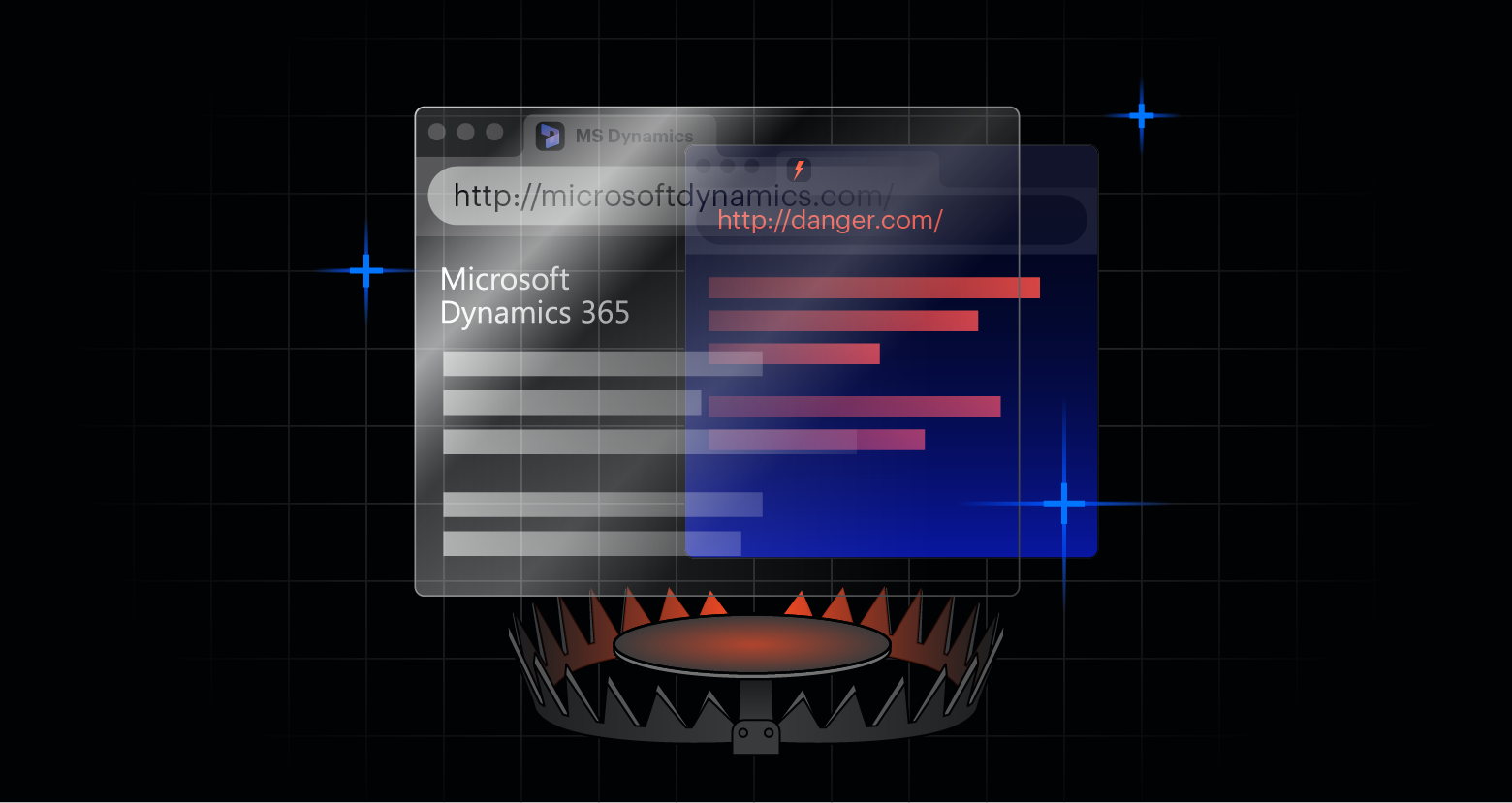
This URL acts as a gateway, directing the victim through a series of redirects involving Trustifi, Cloudflare Workers, and then, crucially, several layers of obfuscated JavaScript. The goal? To present a convincing fake Microsoft CAPTCHA page. This is where the psychological manipulation truly kicks in. The victim, believing they’re solving a security check, is presented with a code. The phishing page then instructs them to copy and paste this code into the real Microsoft device login portal (microsoft.com/devicelogin).
This is the critical juncture. By inputting the code, the victim is essentially telling Microsoft, ‘Yes, authorize this connection from this device (controlled by the attacker).’ Microsoft, seeing the code entered on its legitimate site, proceeds to issue OAuth access and refresh tokens to the attacker’s device. Think of it as handing over the master keys, not just for a single app, but for the entire Microsoft 365 ecosystem. Email, calendar, OneDrive – it’s all open for business, the attacker’s business.
The Sophistication of the Shell Game
What sets Tycoon2FA apart, and frankly, makes it a persistent headache, is its advanced evasion techniques. This isn’t a script kiddie’s toy; it’s a highly polished operation designed to thwart analysis. The kit actively detects and blocks automated tools like Selenium, Puppeteer, and Playwright – the very software security researchers use to probe its defenses. It also blocks security vendors, VPNs, sandboxes, AI crawlers, and even cloud providers. If your request looks remotely like an analysis environment, you’re likely redirected to a harmless Microsoft page, leaving you none the wiser.
Their blocklist is substantial, reportedly containing over 230 vendor names and being updated constantly. This isn’t a static threat; it’s a dynamic adversary that adapts its tactics to stay ahead of detection. This level of sophistication suggests a well-funded, organized operation that views cybersecurity defenses as a puzzle to be solved, rather than an insurmountable barrier.
Can Microsoft’s Device-Code Flow Be Disabled?
From a defensive standpoint, the recommendations from eSentire are essential. Disabling the OAuth device code flow when it’s not strictly necessary is a no-brainer for organizations not actively using it. Restricting OAuth consent permissions and mandating admin approval for third-party apps adds critical layers of oversight. Implementing Continuous Access Evaluation (CAE) and enforcing compliant device access policies further hardens the environment. But these are broad strokes. The devil, as always, is in the details.
Monitoring Entra logs for deviceCode authentication events, Microsoft Authentication Broker usage, and unusual Node.js user agents can provide early warning signs. These aren’t universally applied controls, and many small to medium-sized businesses might not have the resources or expertise to implement them effectively. This leaves them disproportionately exposed.
My unique insight here is that this trend, the abuse of legitimate OAuth flows, is not a one-off. It represents a fundamental shift in how sophisticated phishing operations are evolving. Instead of trying to crack passwords, they’re focusing on manipulating authentication protocols themselves. This implies a future where even multi-factor authentication, if not carefully configured and monitored, could become a vulnerability rather than a safeguard. The traditional reliance on perimeter security and basic MFA is rapidly becoming insufficient against these adaptive, protocol-abusing threats.
🧬 Related Insights
- Read more: Unified Exposure Management: AI Hype or Real Shield?
- Read more: [Key Insight] Test DDoS Defenses Under Peak Load or Fail
Frequently Asked Questions
What is Tycoon2FA? Tycoon2FA is a phishing-as-a-service (PhaaS) platform that provides tools and infrastructure for cybercriminals to conduct phishing attacks, including advanced methods like device-code phishing.
How does device-code phishing work? Attackers trick victims into entering a code generated by a service (like Microsoft) into a legitimate login page, which then authorizes an attacker-controlled device to access the victim’s account.
Will this impact my Microsoft 365 security? Yes, if your organization is not implementing the recommended security measures, including disabling unnecessary OAuth flows and enhancing log monitoring, your Microsoft 365 accounts are at increased risk of hijacking.